

- HOME
- IMPORTANT DATES
- PEC 2025 MOBILE APP
- SECTION CHAIRS
- PROGRAMME
- ABSTRACTS
- REGISTRATION
We are delighted to invite you to the 18th EISA Pan-European Conference on International Relations (PEC), to be held at the University of Bologna, 25-29 August 2025.
Our flagship event will take place in the oldest university in Europe, in a country with a lively tradition of International Relations. As per our tradition, PEC 2025 will be organized in thematic sections, both standing and new ones, and will welcome colleagues from a diversity of disciplines from Europe and beyond. Plenary sessions will highlight key issues in current debates in international relations, with leadings experts from our association. We will also offer opportunities through our Early Career Workshops, social events, and professional development activities to nurture our community. In order to make PEC 2025 more inclusive, we will provide help for those in financial need to attend through our increased Mobility Fund. Over and above, we are committed to making the 18th edition of our conference as diverse and rewarding as possible, where ideas can be formulated, debated, criticized, shaped and sharpened through mutual respect and understanding. It is this spirit which has made EISA’s Pan-European Conferences the leading annual event in International Relations in Europe and we are looking forward to keeping this up in Bologna!

EISA PEC 2025 CONFERNCE MOBILE APP
To stay up to date with the daily program, receive notifications, navigate around the venue communicate with other attendees, we recommend using the dedicated EISA PEC 2025 Mobile Application.
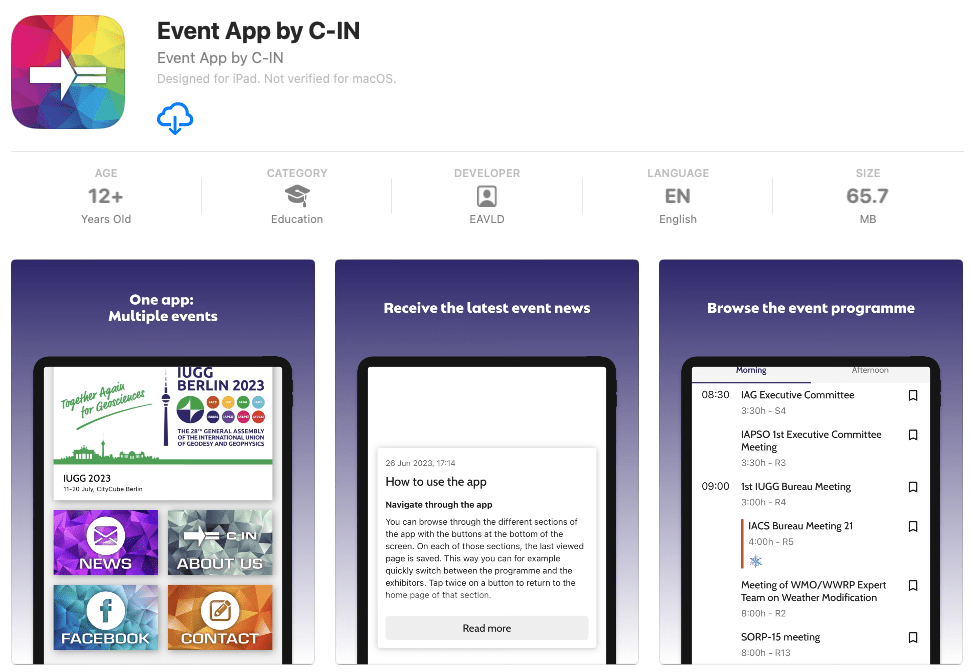
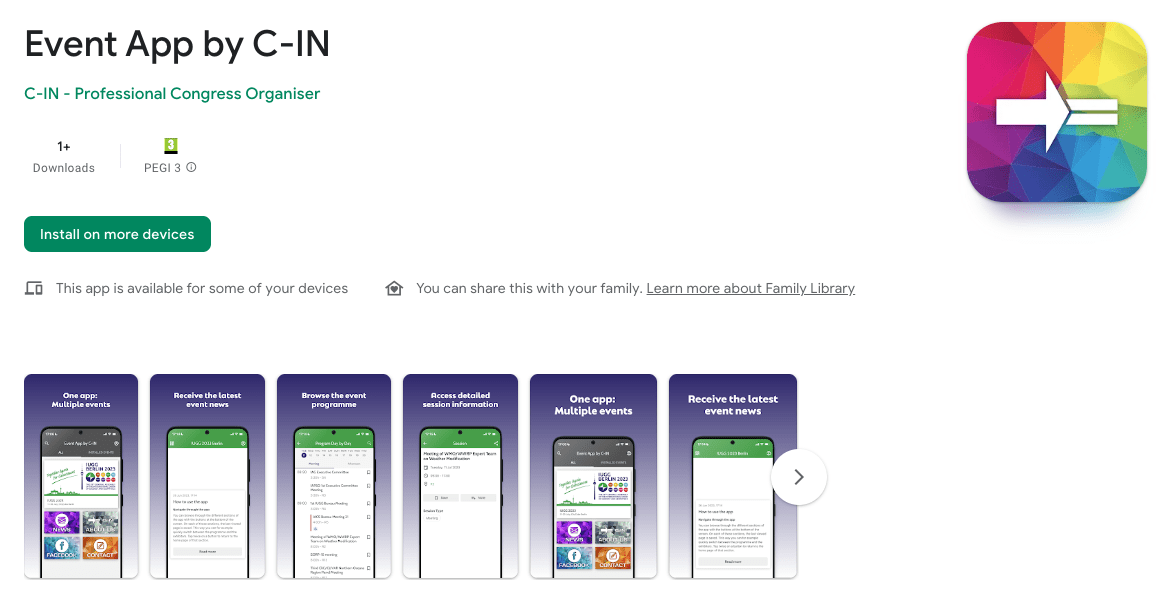
The app is available for download from both Google Play and Apple Appstore. Please look for “Event App by C-IN” in your store, install the app and select event “EISA PEC 2025” from the main menu.
HOW TO USE THE PLATFORM
Your Title Goes Here
Your content goes here. Edit or remove this text inline or in the module Content settings. You can also style every aspect of this content in the module Design settings and even apply custom CSS to this text in the module Advanced settings.
How to log in?
- Click the Sign In button in the top right corner of the screen:

- Select the “Log in with the registration account” option to trigger the authorisation:
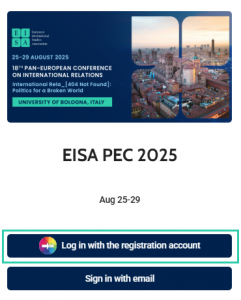
- Insert your credentials used for the registration.
This platform is also used for the EISA PEC 2025 Mobile App, allowing you to log in to both with your registration account, bringing benefits such as:
- live sync between the web and mobile platforms – any changes in your personal programme, favourites, and notes are synced from the web to mobile and vice versa, keeping all platforms up to date
- use the same predefined filters to find what you want in the Mobile app or your computer
For more information about Your Profile please follow this link.
Time Zones
The system can list the session and presentation times in various timezones based on user preference.
By default the timezone is set to an event time zone (UTC+2). The timezone currently used is shown in the top left corner of your programme – click the time zone to adjust it.
Alternatively, you can change this setting in your account settings – click the account name and icon in the top right corner of your screen and choose Settings. The first item allows you to choose between your local (system local) and event (official) timezones:

Search & Filter
Full-text search
Click Search in the left menu to navigate to full text search. Search for sessions, abstracts and persons.
Please note that co-authors can be found via ”Search” only not via ”Faculty”.
Search the Faculty
Click Faculty in the left menu and type the name of the person you are looking for. Click the result to list the persons functions in the programme.
Search sessions in Daily Programme
Use the Search function on the top right in Daily Programme to quickly narrow the listed sessions (only applicable for word in session title listed on the particular day).
Filter Sessions by Session Type or Topic
Two predefined filters are accessible through the left menu – Filter by session type & Filter by topic. List sessions by clicking the particular item from the list.
For more information about Event Programme please follow this link.
Favourites and Notes
How to create your personal program/favourites?
If you are signed in to the platform, you can “Save” the following items to your favourites to create a personal programme:
- Session
- Presentation
- Author
To access these items, click your name and icon on the top right corner of the screen and select Favourites. Your saved sessions and presentations are listed under My Programme tab, the authors are listed under My Favourites tab.
How to create a note?
You can save your notes to any session or presentation. These are saved in your profile and accessible under My Notes in the same top right corner menu.
Other usefull features
You can also share externally, copy link or create a calendar item from any session or presentation.
For more information about Event Programme please follow this link.
DOWNLAD NOW
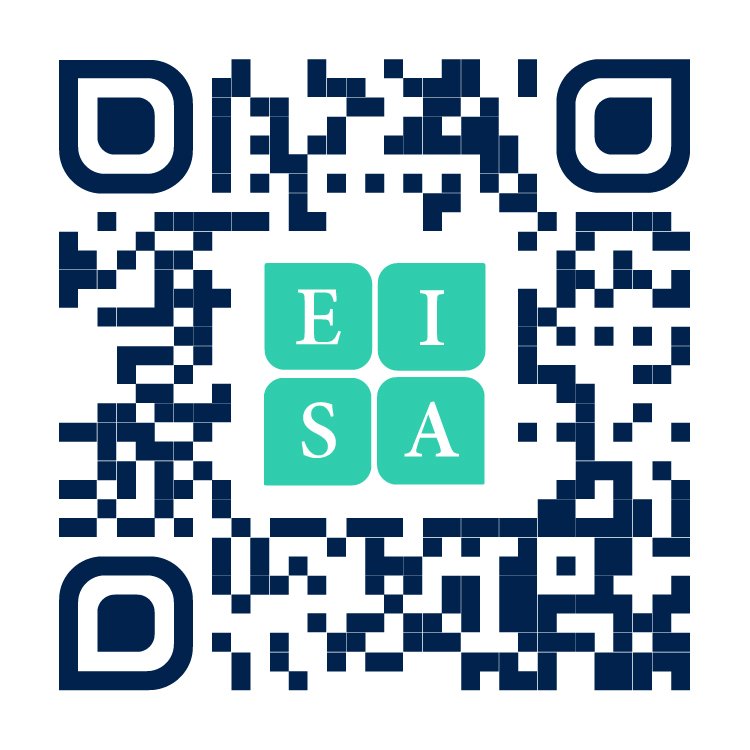
Follow this link to download the app, or scan the QR code below. Direct links to the stores are also available below.
Conference Secretariat

C-IN
Prague Congress Centre
5. kvetna 65
140 21 Prague 4
Czech Republic
Tel.: +420 296 219 600
Website: www.c-in.eu